

About switchBot
Sometimes magical things happen when you least expect it. One night, before going to sleep, our CEO realized that he needed to get out of bed again, turn off the lights, and close the curtains. And it’s then, at that very moment that the idea of SwitchBot started.
We see on the news day after day of how robots are changing the world around us, but… why haven’t we seen something more tangible that we can associate with in our homes?
And so, a team was formed and the goal to create a useful, simple, and convenient bot began.
After looking at all kinds of self-proclaimed smart switches and curtains in the market, SwitchBot slowly started to come to life, and after a few years, our product line had expanded in a way that enabled our customers to turn their home in to a smart home with a few simple steps.
Overviews of switch bot
If you’re looking to transition into a smart home environment, but don’t want the hassle of changing electronics or replacing appliances then SwitchBot can help you transform your home and make it smarter in seconds saving you time and money.
When we design our products, we always make sure installation and setup are as easy and intuitive as possible. What’s more, once you are set up, there’s a ton of ways to make your living environment even smarter.
- SwitchBot is passionate team dedicated to building products that help enrich people’s lives by making the
- world around us more interactive, fun, and accessible.
- We are conscious that sometimes completely re-fitting a home with smart products is neither economically
- viable, nor is it great for the environment.
- Our mission is the fill this void and offer products that are made for people from all walks of life, across the
- world, one SwitchBot at a time.
From London to Tokyo, and stopping off maybe somewhere in Berlin (because we love everyone around the globe!). SwitchBot is now present in more countries than ever before.
What is Home Automation?
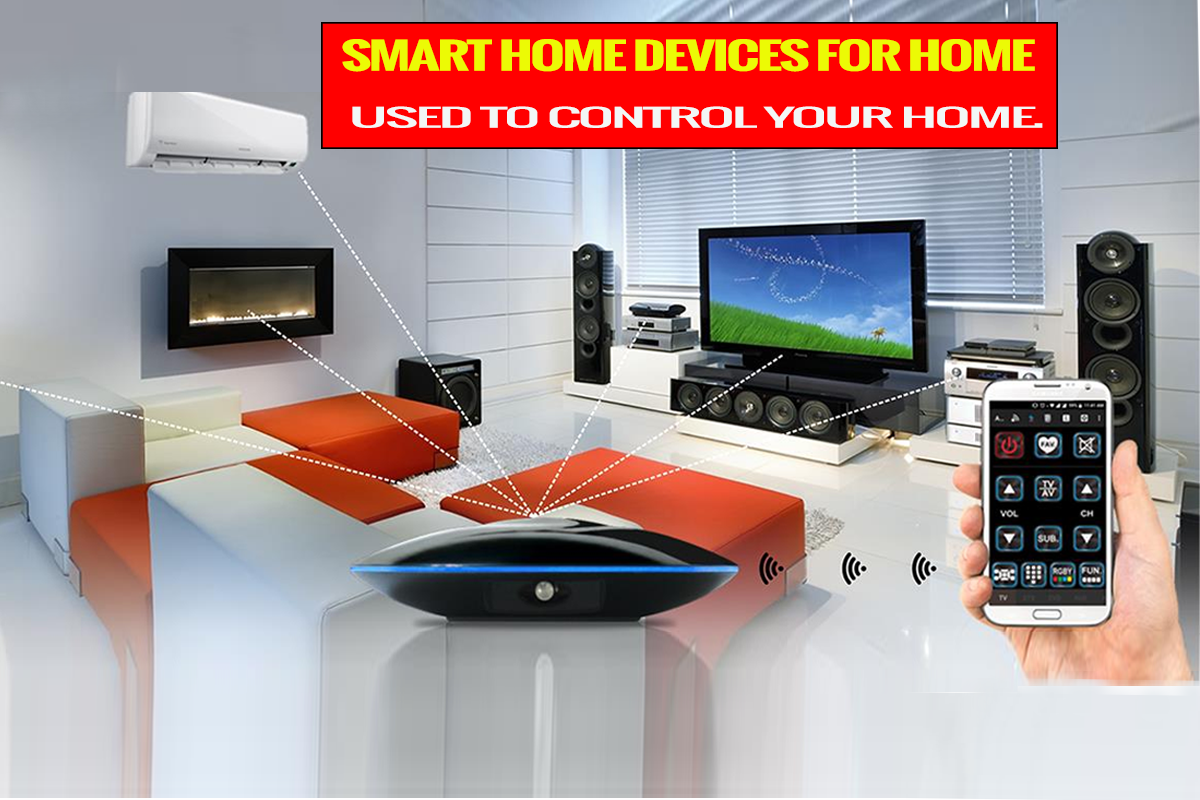
To integrates your home’s electronic devices, appliances, and devices into one device. Home automation uses smart home devices to create an automated and interactive home. SwitchBot smart home devices make it easy to turn on lights and heaters when you arrive home or adjust the temperature before bedtime.
The device connects to the user’s Wi-Fi network and sends commands to devices such as lights, fans, cameras, sirens, and more.
Home automation can be as simple as turning off your coffee machine when you leave for work or as complex as a full-blown smart home system that controls everything from blinds to kitchen appliances.
Why Would You Want to Automate Your Home?
Saving money is the primary reason most people choose to automate their homes. You can set up an automation system, so you don’t have to pay someone else to do it for you. You can also control all your home electronics from one central location, which makes it easier to switch between devices like TV and radio, heating/cooling, etc.
SwitchBot Smart Home Devices for Home Automation
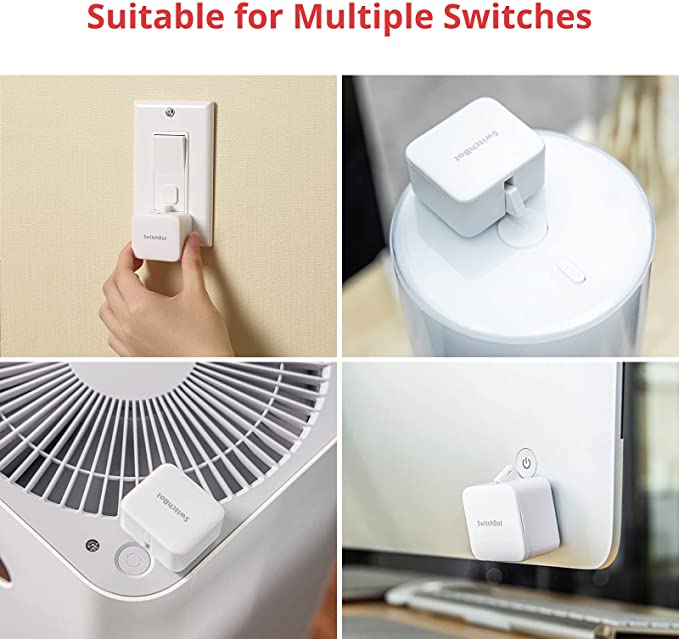
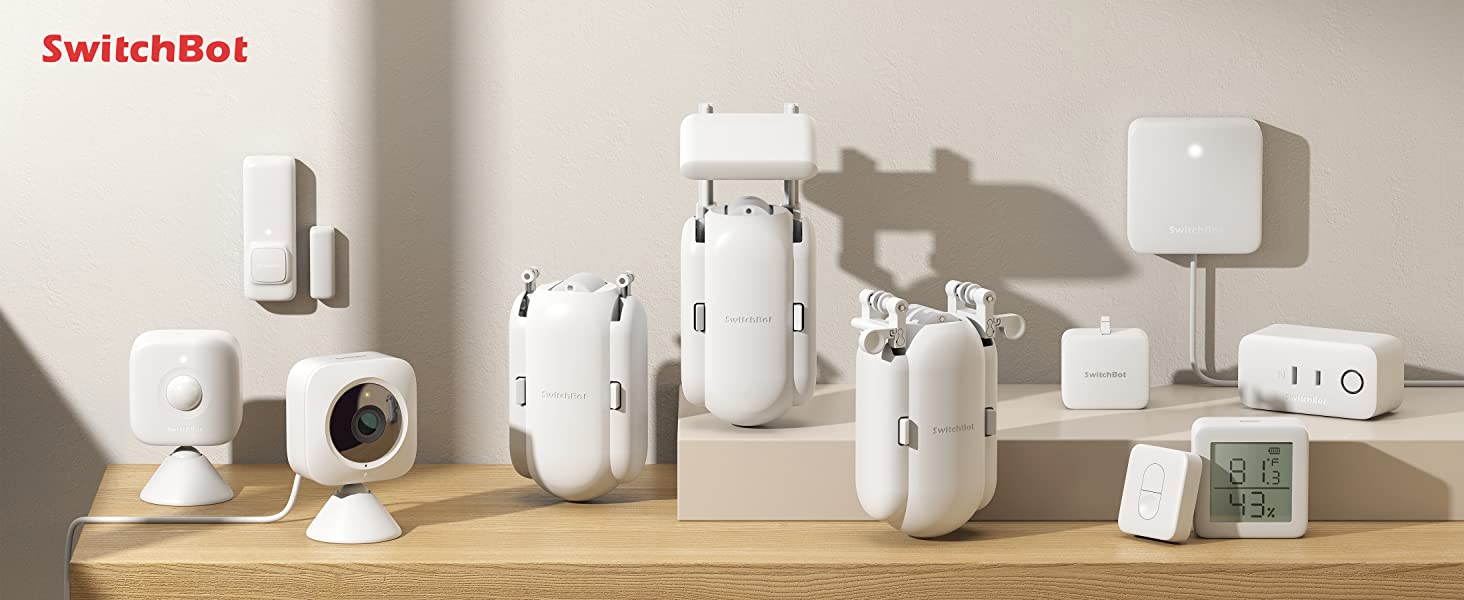
The SwitchBot Smart Home Devices for Home Automation is a set of smart home devices used to control your home. From remote control and automation to lighting and window blinds, these products bring convenience to your life. Here we recommend some products and combo deals for your home automation; you can buy these from the official website of switchbot.
The SwitchBot works with Alexa, Google Assistant, and Siri, so you can ask it questions or control your home with voice commands. You don’t need an app; say, “Alexa, turn on the kitchen lights” or “OK, Google, turn off my house.”
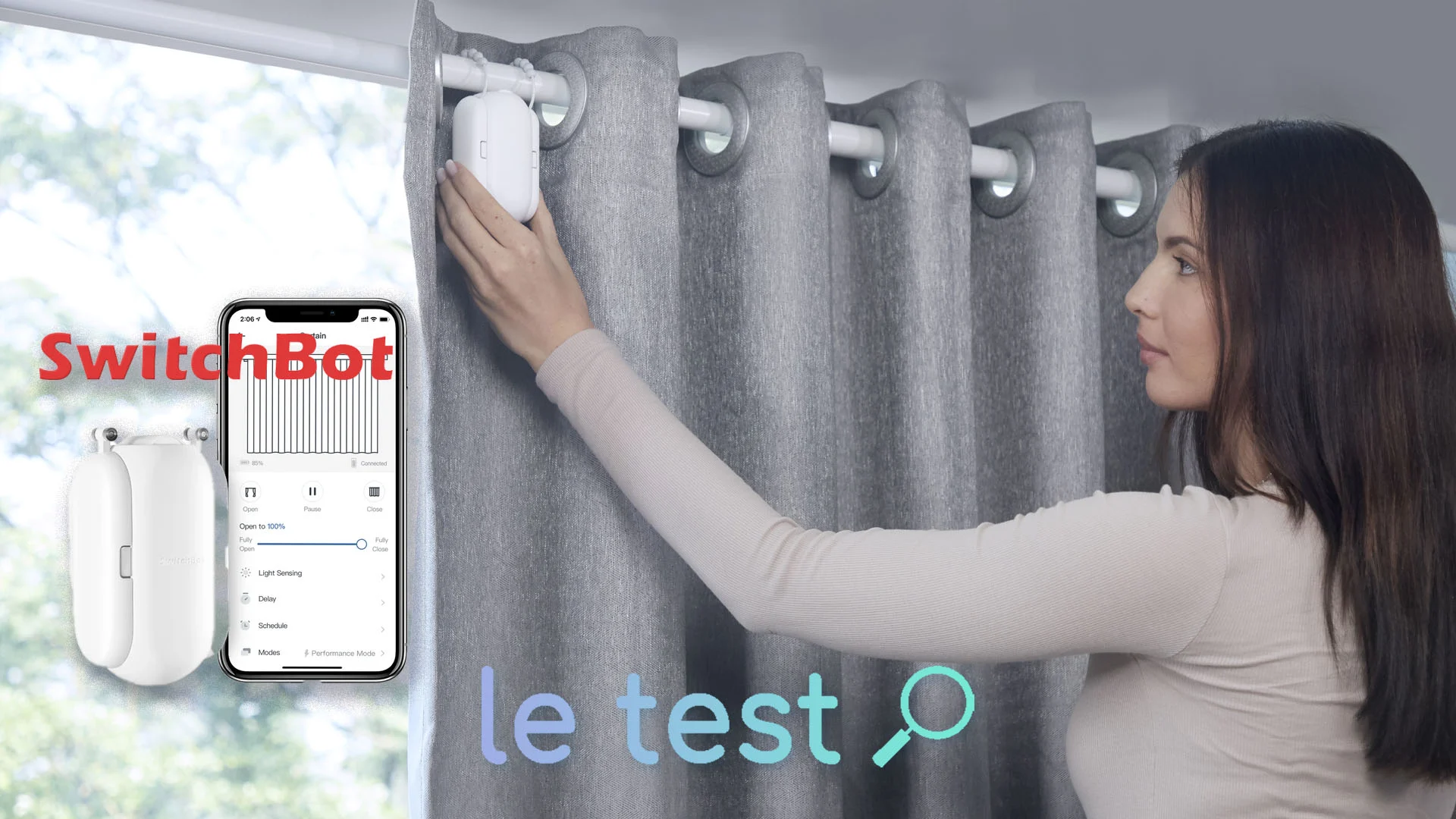
SwitchBot Curtain Rod 2
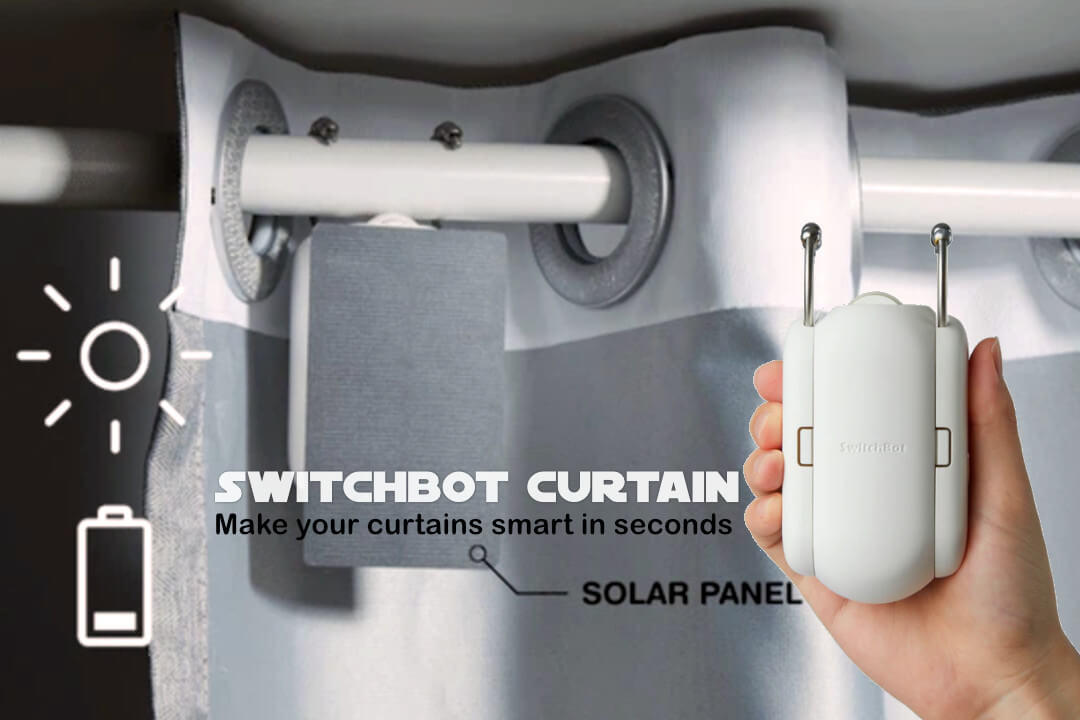
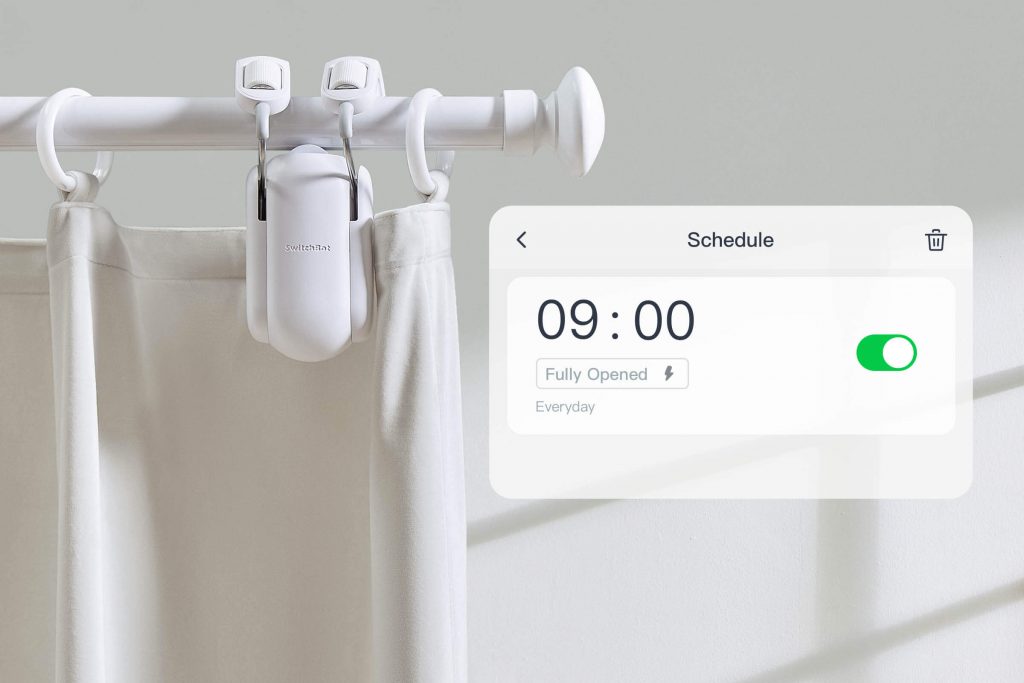
The SwitchBot Curtain Rod 2 is an intelligent curtain rod that can be programmed to control curtains, blinds, and shades. It has a built-in sensor that detects when the curtain is being opened or closed and turns on or off various devices accordingly.
SwitchBot Smart Lock
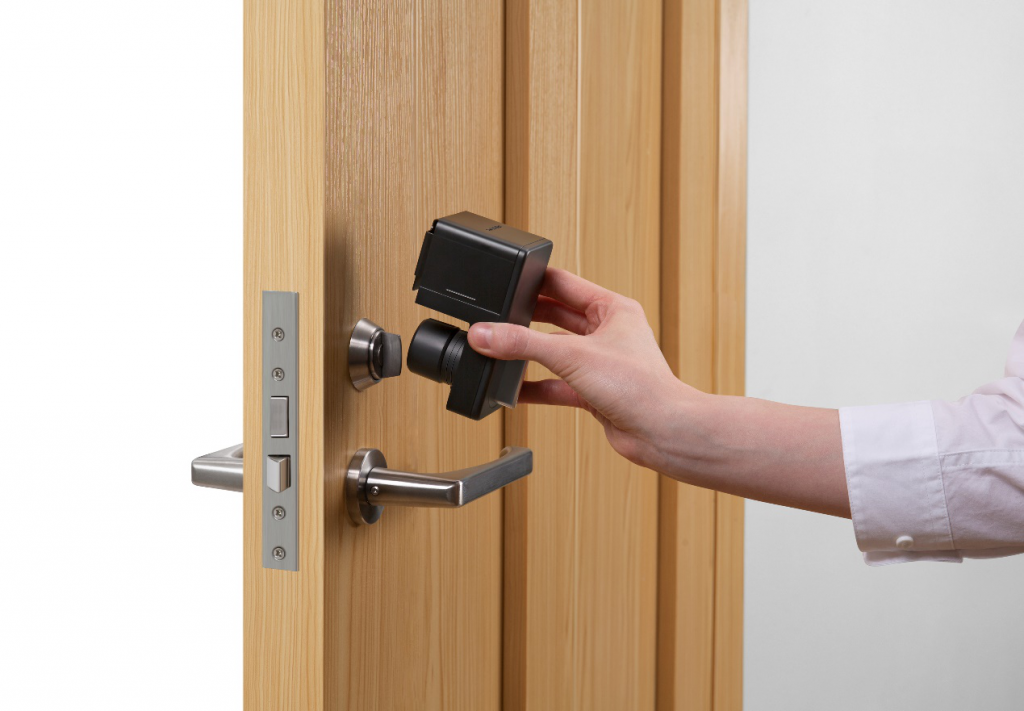
With the Smart Lock, you’ll also be able to open your front door using only your smartphone. It lets you lock and unlock the door using a PIN code or fingerprint scanner, which makes it more secure than traditional locks.
SwitchBot Meter Plus
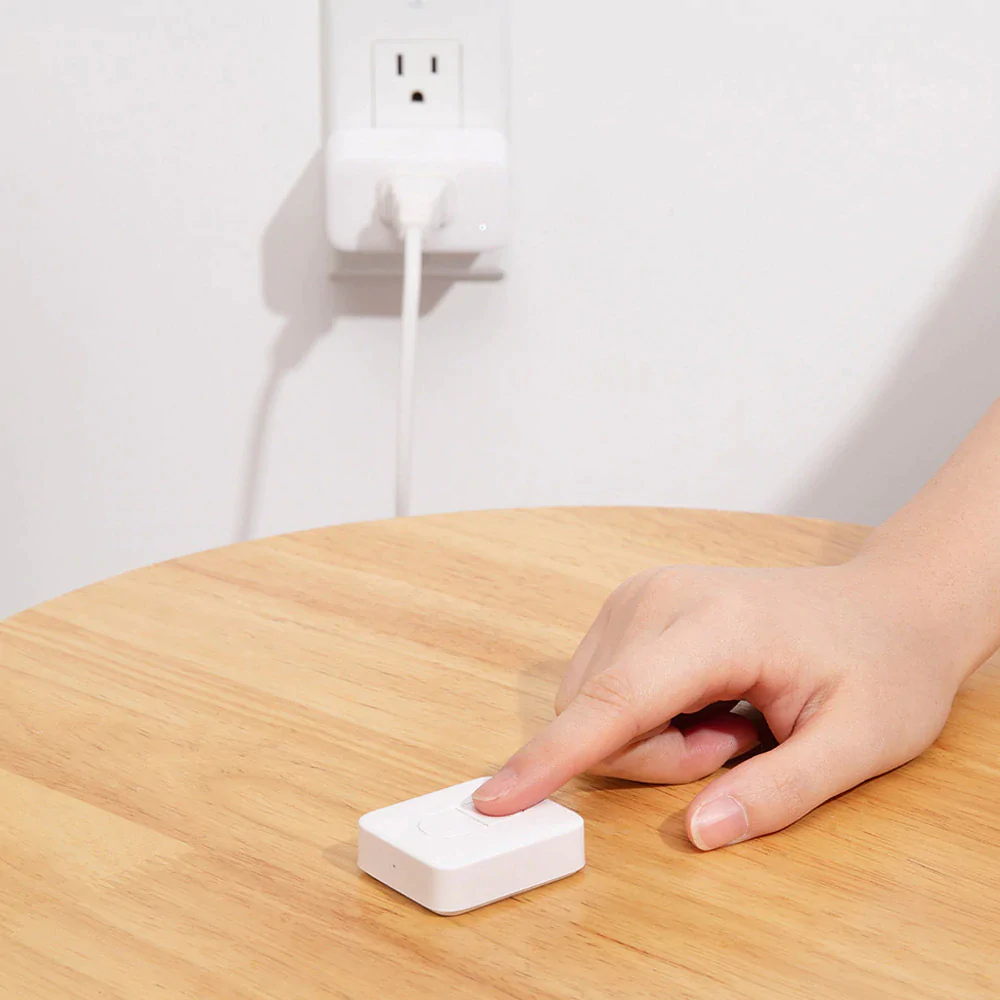
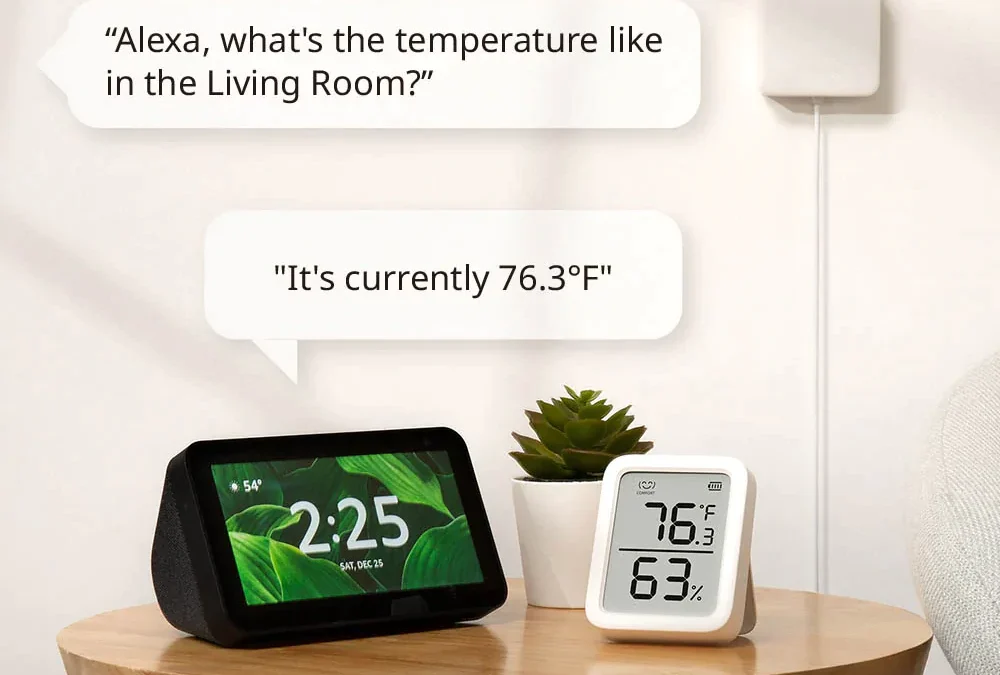
The SwitchBot Meter Plus is an electric water meter that can measure consumption in real-time via a Wi-Fi connection. It displays the amount of water used by appliances like showers, sinks, washers/dryers, dishwashers, etc., as well as the total consumption of each device every day at midnight on its LCD screen. You can also set up automatic alerts based on usage levels so you will know about any issues before they become serious ones!
SwitchBot Pan/tilt Cam
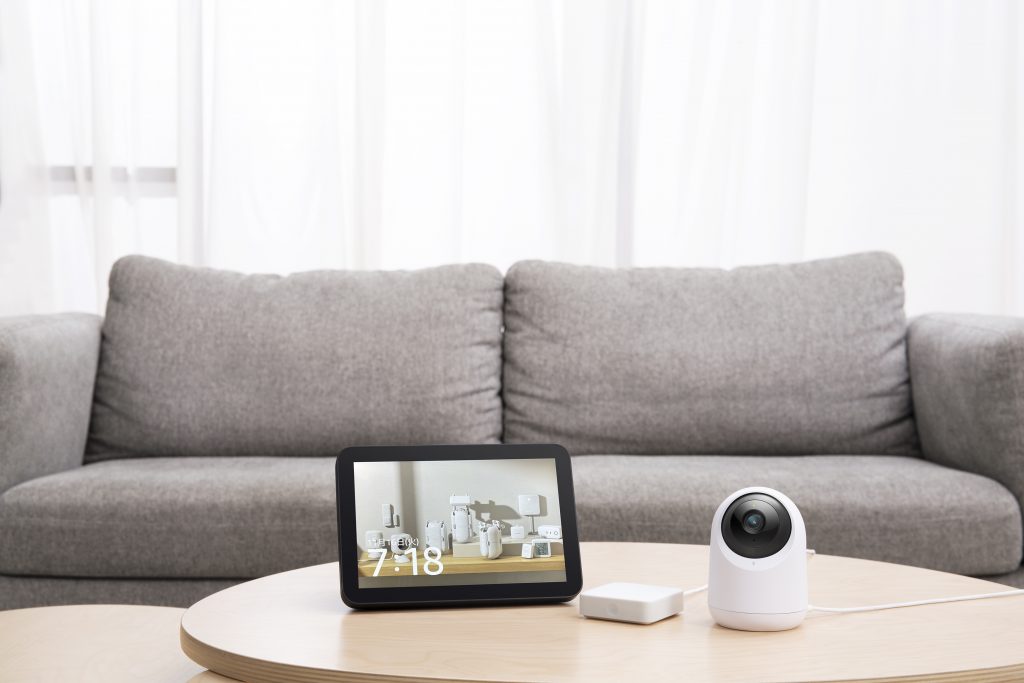
You can monitor your home wherever you are using the SwitchBot Pan/Tilt Cam. The app provides live streaming of your house, allowing you to view activity anytime. The built-in microphone and camera will let you see what’s happening at home, even when you’re not there.
SwitchBot Plug Mini
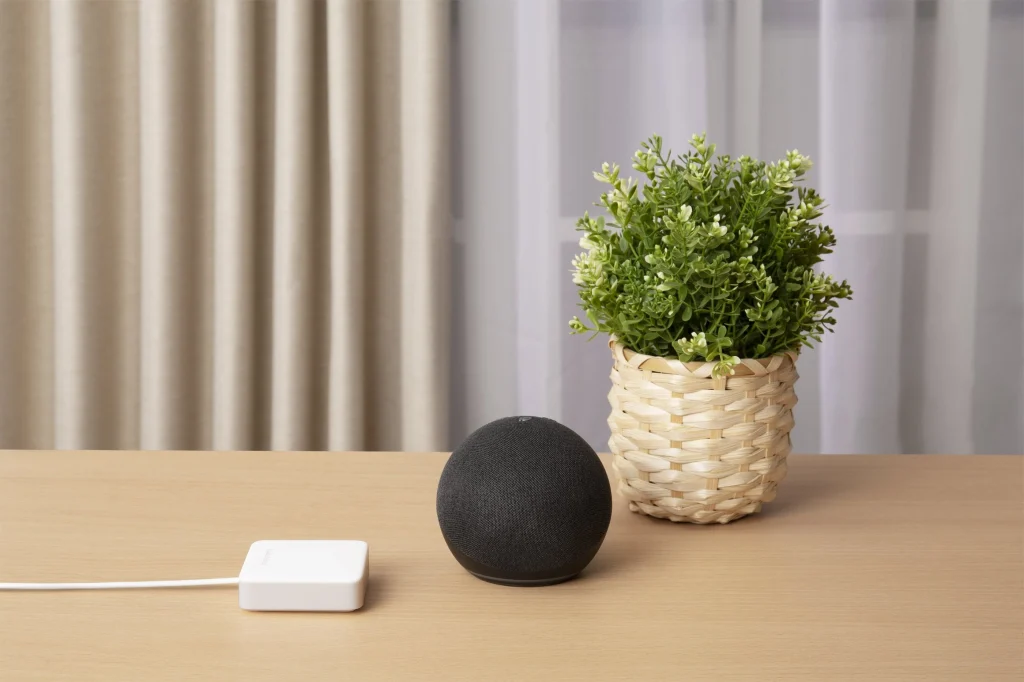
The SwitchBot Plug Mini is a smart plug that allows you to control power appliances without getting up off the couch or going into another room. When you’re done using an instrument that needs power, pulls the plug out of the wall, plug it into your SwitchBot Plug Mini, and then back into the wall outlet.
Combo Recommendation
We have a few different combo recommendations if you want to go the starter route.
● Curtain starter combo: 2*curtain+hub mini
● Bot starter combo: bot + hub mini
● Lock combo: Lock + hub mini +keypad
● Solar panel combo: curtain + solar panel
● Bot combo: bot + hub mini + meter + remote
However, if you are looking for something specific, choosing a combo with more goods at a lower price is better.
SwitchBot Hub Mini
SwitchBot Hub Mini is pretty much what it says it is. A hub (now a mini one) that enables you to connect your smart devices and appliances together around your home and allows you to connect to devices not just by using Bluetooth, but also via the cloud. You can also streamline everything into one app and control devices with ease. You could say Hub Mini is the heart of your SwitchBot home, aww.
What is SwitchBot Hub Mini used for?
SwitchBot Hub Mini helps you automate devices and gives you that all-important remote access. What’s more, you’re also able to control devices by using third-party services like Alexa, Google Assistant, Siri, and more.
If you’ve never heard of or used Hub Mini before, here are a few examples of how you can use it:
- App or voice commands with SwitchBot Hub Mini to control your TV/AC.
- App or voice commands with SwitchBot Hub Mini and SwitchBot bot to control switches throughout your
- home.
- App or voice commands with SwitchBot Hub Mini and SwitchBot Curtain to control your curtains.
- Wanna see how SwitchBot Hub Mini works? You can check the link below:
What’s your return & exchange policy?
If you are not completely satisfied with your purchase, we offer a hassle-free return and exchange policy. Please see our guideline below for details.
To better our customer shopping experience, we have refined our return and exchange policies. If you are not satisfied with your purchase, you can return it for up to 30 days after delivery.
Where are you located and do you have a local store that I can visit?
UniWigs is a US based wig brand, with offices and warehouses situated in both Los Angeles and Asia. At this current moment in time we do not have a physical store for our customers to visit. We will update customers as soon as this becomes available.
How to wash human hair and synthetic fiber?
HUMAN HAIR
Before you wash, make sure you carefully detangle the hair using a wide tooth comb. Rinse from hair root to the tips in lukewarm water. Or immerse the piece in lukewarm water Wash the piece with mild shampoo
Smooth the shampoo from root to the hair tips section by section. DO NOT twist or rub. Gently rinse the piece from root to tips in lukewarm water.
Squeeze excess water. DO NOT wring the hair.
Apply leave-in conditioner from the mid-shaft to the ends(avoid the roots or knots) and leave in for a few minutes.
- Cleanse the piece in lukewarm water and comb the hair with your fingers to keep the hair in the same
- direction
- Gently squeeze excess water. DO NOT rub or wring.
- Lightly blot hair with a towel DO NOT twist or wring
- Secure your hair topper on a Wig Head and part the hair as you want. Then blow dry the hair.
SYNTHETIC FIBER
Before you wash, make sure you carefully detangle the hair using a wide tooth comb.
Immese your wig in lukewarm water(86℉-95℉) with wig shampoo and allow it to soak for a few minutes.
Then rinse gently from roots to ends. Do not rub or twist as this can lead to tangling.
Apply leave-in conditioner from the mid-shaft to the ends (avoid the roots or knots) and leave in for a few minutes.
Let lukewarm water flow in the same direction of the hair to avoid tangling and rinse thoroughly.
Gently blot excess water with your hand or a towel. Do not twist or brush.
Gently shake the wig to regain its style and air dry on a folding wig stand.
WARNING:
- Never try to comb hair when wet
- Never place a wet wig on a Styrofoam head or a blockhead which can stretch the wig cap Avoid exposure
- to high heat or fire.