

About Planner 5D?
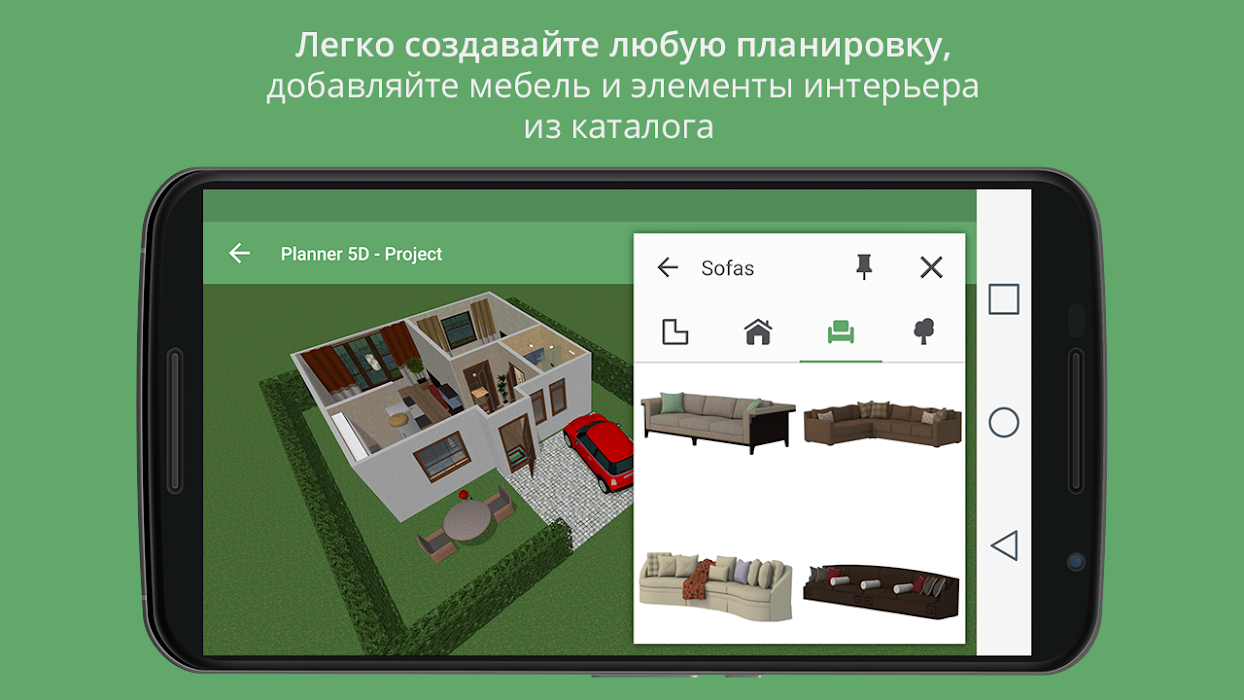
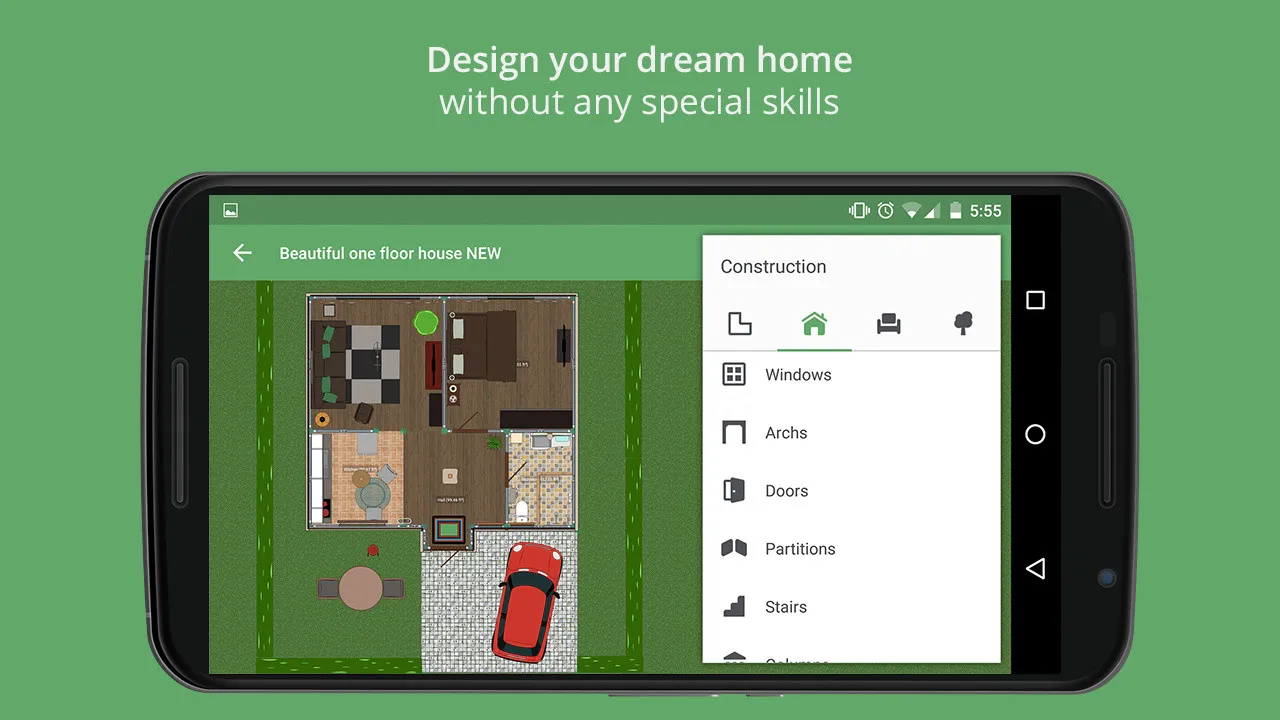
Planner 5D is a cloud-based interior design platform that allows users to create 2D and 3D floor plans, visualize and furnish rooms, and create realistic interior and exterior designs. It provides tools for users to experiment with different design elements, such as furniture, flooring, and decor, and to see how they fit together in a space. Planner 5D can be used for personal design projects, as well as for professional design work.
Planner 5D benefits
- User-friendly interface: The platform is designed with an intuitive drag-and-drop interface that makes it easy for anyone to use, regardless of prior design experience.
- Wide range of design options: Planner 5D offers a large library of furniture, fixtures, and other design elements that users can choose from to create their designs.
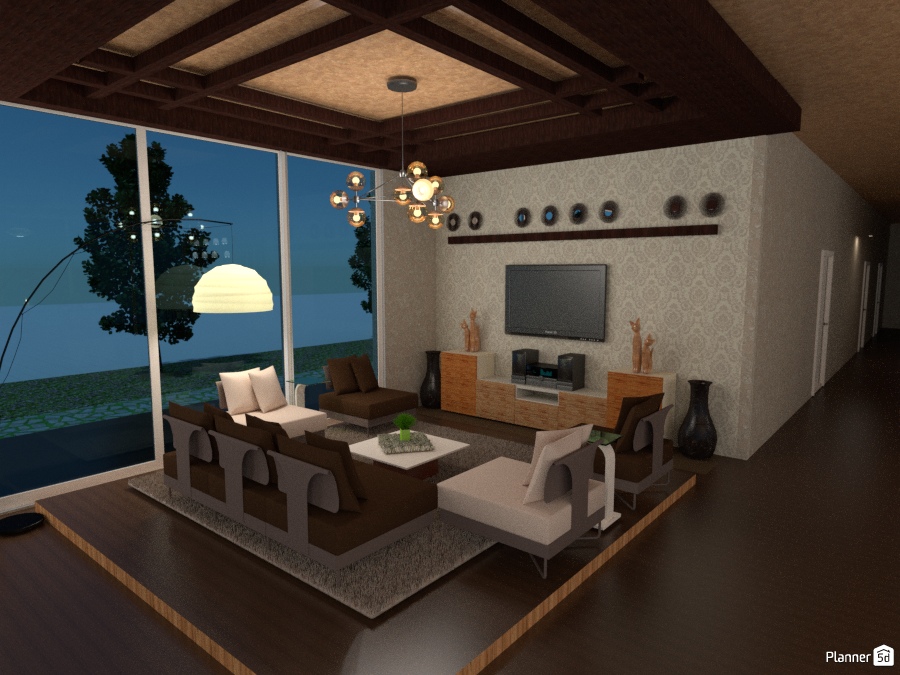
- Realistic visualization: The platform provides 2D and 3D visualization tools that allow users to see how their designs will look in a real-life setting, helping to create a better understanding of the space and design.
- Time-saving: Planner 5D eliminates the need for manual drafting, which can be time-consuming and prone to errors.
- Accessible from anywhere: Planner 5D is cloud-based, allowing users to access their projects from anywhere with an internet connection.
- Collaboration: The platform allows multiple users to work on a project together in real-time, making it a useful tool for design teams and professionals working with clients.
Overview of Planner 5D features
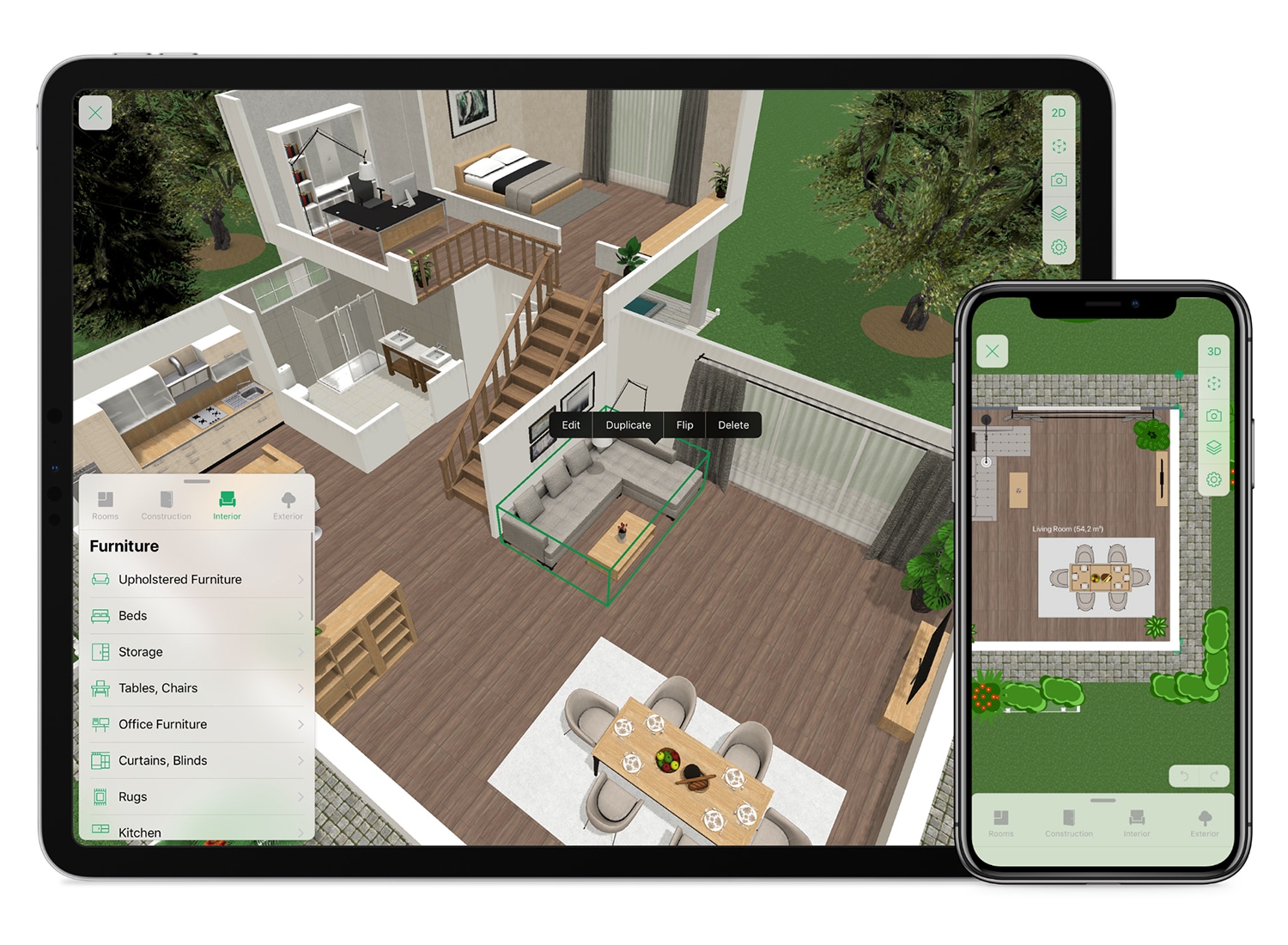
- Floor plan creation: Users can create 2D and 3D floor plans of their spaces, including walls, doors, and windows, with the ability to measure and adjust their dimensions.
- Room visualization: Planner 5D provides tools for users to visualize their rooms, including the ability to add and arrange furniture, flooring, and other design elements.
- Interior and exterior design: The platform offers options for both interior and exterior design, allowing users to create full design concepts for their homes or buildings.
- Large library of design elements: Planner 5D has a large library of furniture, fixtures, and decor items that users can choose from to create their designs.
- Real-time collaboration: Multiple users can work on a project together in real-time, making it easier to collaborate with clients and design teams.
- 3D visualization: The platform provides 3D visualization tools, including walk-throughs and dollhouse views, that allow users to see their designs from different angles and perspectives.
- Customizable materials and finishes: Users can choose from a range of customizable materials and finishes, such as flooring, wallpaper, and countertops, to create a personalized look for their designs.
- Cost estimating: Planner 5D includes a cost estimating tool that provides users with an estimate of the cost of their design based on the materials and elements they choose.
Planner 5D pricing
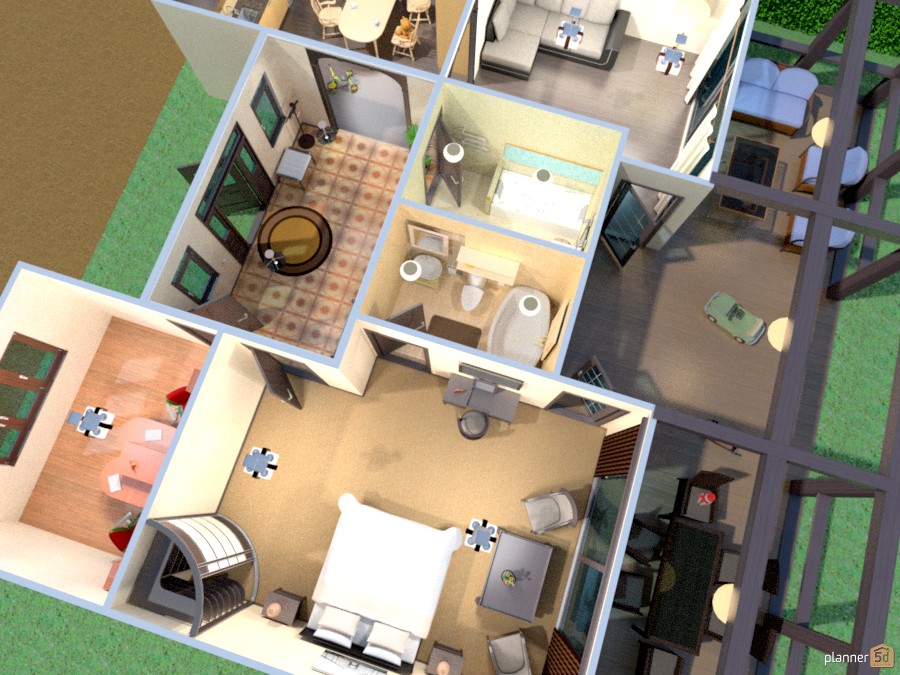
Planner 5D offers several pricing plans, including a free plan and paid plans with additional features and functionality. Here are some of the pricing options:
Free plan: This plan provides access to basic features, including the ability to create 2D floor plans, arrange furniture, and view designs in 3D.
Pro plan: This paid plan includes additional features, such as the ability to create 3D floor plans, add custom materials and finishes, and access to a larger library of design elements. Pricing for the Pro plan varies depending on the length of the subscription, with monthly and annual options available.
Business plan: This paid plan is designed for professional designers and includes features such as team collaboration, advanced cost estimating, and the ability to export designs in a variety of file formats. Pricing for the Business plan is based on the number of users and the length of the subscription.
It’s recommended to check the Planner 5D website for the most up-to-date pricing information and a full list of features included in each plan.
User satisfaction

User satisfaction with Planner 5D can vary, as users have different design needs and preferences. However, many users have found the platform to be a useful tool for creating and visualizing interior and exterior designs.
Positive aspects that users have mentioned include the intuitive interface, the wide range of design options, and the realistic 3D visualization. Some users have also appreciated the collaboration features and the ability to access their designs from anywhere.
However, some users have reported limitations in the design options and customization capabilities, as well as limitations in the cost estimating tool. It’s worth noting that the level of user satisfaction can also depend on the specific plan being used, with paid plans generally providing more features and greater flexibility.
In general, it can be useful to read user reviews and explore the features of Planner 5D to determine if it meets your specific design needs and requirements.
Video
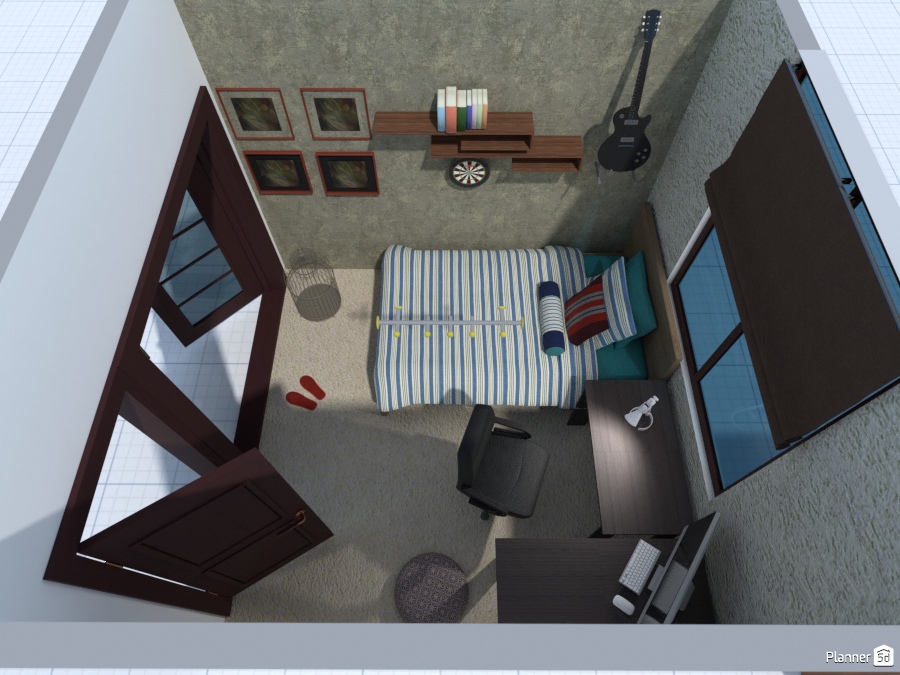
Planner 5D provides several video tutorials and demos on their website to help users get started with the platform and learn how to use its various features. These videos cover topics such as how to create floor plans, how to add and arrange furniture, and how to use the 3D visualization tools.
In addition, there are also user-generated tutorials and reviews available on YouTube and other video platforms that can provide further insight into the functionality and capabilities of Planner 5D.
By watching these videos, you can get a better understanding of how Planner 5D works and whether it would be a good fit for your design needs.
Technical details
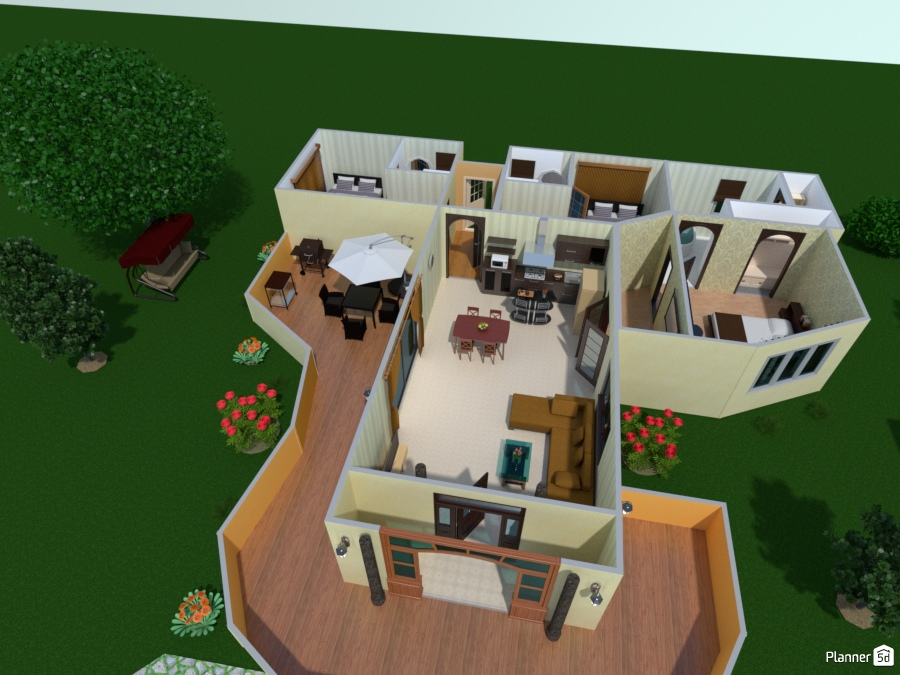
- Platform: Planner 5D is a cloud-based platform that can be accessed through a web browser or the Planner 5D mobile app.
- Compatibility: The platform is compatible with most modern web browsers, including Google Chrome, Mozilla Firefox, and Apple Safari. The Planner 5D mobile app is available for iOS and Android devices.
- Storage: Planner 5D provides cloud storage for users to store their projects, allowing them to access their designs from anywhere with an internet connection.
- File formats: Planner 5D supports several file formats for exporting and importing designs, including JPG, PNG, PDF, and OBJ.
- System requirements: The platform requires a stable internet connection and a modern web browser to use. The Planner 5D mobile app requires a compatible iOS or Android device.
- Support: Planner 5D provides support through its website, including a knowledge base, video tutorials, and a support form for submitting inquiries.
It’s recommended to check the Planner 5D website for the most up-to-date information on technical requirements and support options.
Support details
Planner 5D provides several support options to help users get the most out of the platform. These include:
- Knowledge base: Planner 5D provides a comprehensive knowledge base on their website, which includes articles and tutorials on how to use the platform.
- Video tutorials: The platform provides a range of video tutorials that cover various topics, including how to create floor plans, add furniture, and use the 3D visualization tools.
- Support form: Planner 5D provides a support form on their website, allowing users to submit inquiries or report any issues they are experiencing.
- Community forums: Planner 5D has a community forum where users can connect with other users and discuss design projects, tips, and best practices.
In addition, the Planner 5D mobile app also provides in-app support and resources.
It’s recommended to check the Planner 5D website for the most up-to-date information on support options and resources.
User reviews
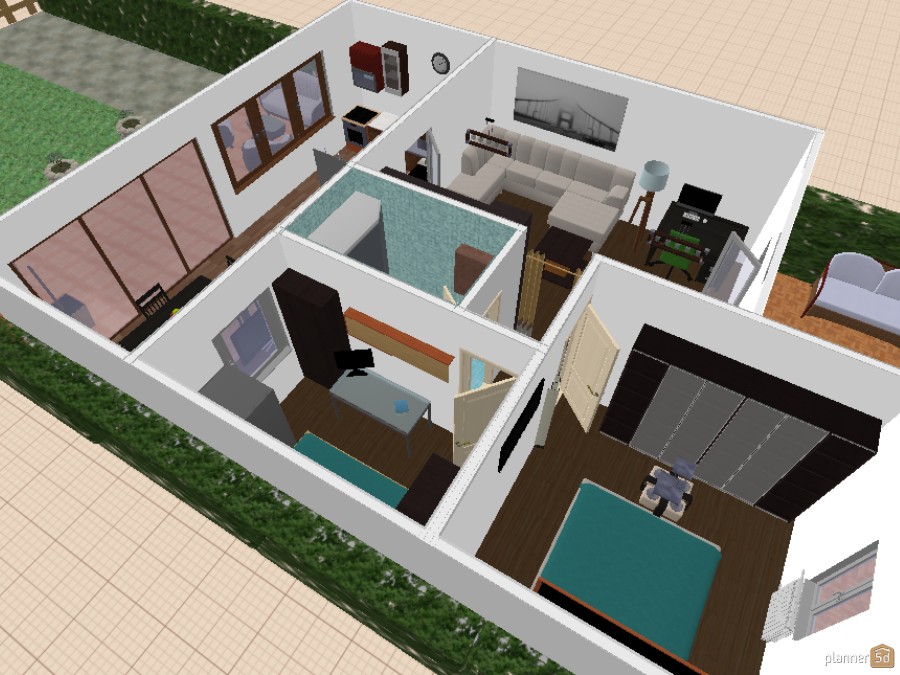
User reviews of Planner 5D can vary, as people have different design needs and preferences. However, many users have found the platform to be a useful tool for creating and visualizing interior and exterior designs.
Positive reviews often mention the intuitive interface, the wide range of design options, and the realistic 3D visualization. Some users have also appreciated the collaboration features and the ability to access their designs from anywhere.
Negative reviews often mention limitations in the design options and customization capabilities, as well as limitations in the cost estimating tool. Some users have also reported technical issues or difficulty using the platform.
It’s important to keep in mind that user reviews can be subjective and may not reflect everyone’s experience with Planner 5D. It can be useful to read a range of reviews from multiple sources to get a better understanding of the platform’s strengths and weaknesses.
FAQ
What is Planner 5D?
Planner 5D is a cloud-based platform that provides users with tools to create and visualize interior and exterior designs. The platform features an intuitive interface, a wide range of design options, and realistic 3D visualization tools.
How does Planner 5D work?
Planner 5D provides a user-friendly interface that allows users to create and edit floor plans, add furniture and decor, and view their designs in 3D. The platform is accessible through a web browser or mobile app, and designs can be saved and accessed from anywhere with an internet connection.
Is Planner 5D free to use?
Planner 5D offers both a free and paid version of the platform. The free version provides limited features and functionality, while paid plans provide access to more advanced features and greater flexibility.
What are the system requirements for Planner 5D?
Planner 5D requires a stable internet connection and a modern web browser to use. The Planner 5D mobile app requires a compatible iOS or Android device.
Does Planner 5D provide support?
Yes, Planner 5D provides support through its website, including a knowledge base, video tutorials, and a support form for submitting inquiries. The platform also has a community forum where users can connect with other users and discuss design projects, tips, and best practices.
What file formats does Planner 5D support?
Planner 5D supports several file formats for exporting and importing designs, including JPG, PNG, PDF, and OBJ.